
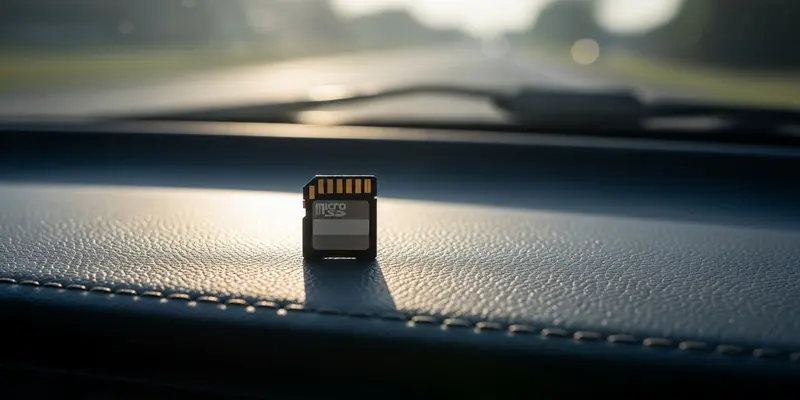
You’re driving home. A fender bender happens in the lane next to you. You check your expensive dashcam, confident the footage is there. But the screen displays a cold, blinking message: "Memory Error."
You just learned the hard way that High-Endurance MicroSD Cards aren’t a luxury; they’re the lifeblood of your security. Most people treat SD cards like digital buckets—static containers that just hold stuff. They aren’t. In a dashcam environment, they are more like tires. They wear out, they heat up, and if you use the wrong ones, they blowout exactly when you’re driving at high speeds.
The Hidden War on Your Data
Every second your dashcam is powered on, it is hammering that tiny sliver of silicon with data. This isn’t like taking a few vacation photos on your phone. This is a relentless, 24/7 cycle of writing, erasing, and overwriting.
Standard consumer cards often use TLC (Triple-Level Cell) memory architecture. It’s cheap and holds a lot of data, but it has a low "P/E cycle" count. This means the cells physically wear out after a certain number of writes. When you force a generic card into a dashcam, you’re asking a casual sprinter to run a perpetual ultramarathon. It will collapse.
Spotting the Impending Doom
Your card won’t always die silently. Usually, it screams for help first. If you notice any of the following, your footage is currently at risk:
- The Formatting Loop: If your camera asks you to format the card every time you start the car, the controller is failing.
- Missing Files: You see Clip A and Clip C, but Clip B—the one you actually need—is a 0kb ghost file.
- Stuttering Menus: If your dashcam interface feels like it’s stuck in molasses, the card is struggling to process basic I/O commands.
- Purple Haze: Digital artifacts or strange colors in your playback are signs of corrupted data sectors.
A Costly Lesson in Cheapness
I remember a rainy Tuesday three years ago. A delivery van clipped my side mirror while I was parked and kept right on going. I pulled my SD card, feeling smug because I’d finally caught a hit-and-run on camera.
When I plugged it into my laptop, the folder was empty. The card had quietly died three weeks prior, and I hadn’t noticed because the camera’s "recording" light was still blinking. I had "saved" $15 by buying a bargain-bin card from a big-box store. That $15 cost me a $450 mirror and a whole lot of dignity. Since that day, I don’t touch anything that doesn’t explicitly say "High Endurance" or "Max Endurance" on the label.
What to Look For
When you shop for a replacement, ignore the flashy "100MB/s" read speeds. Read speed is for moving files to your computer; write endurance is what keeps you safe.
Look for cards rated for at least 5,000 to 10,000 hours of 4K recording. Ensure it has a V30 or U3 rating, which guarantees the minimum write speed necessary to handle high-bitrate video without dropping frames. Brands like SanDisk (Max Endurance line), Samsung (PRO Endurance), and Transcend are the industry standards for a reason.
The Final Word
Your dashcam is an insurance policy. But that policy is only as good as the paper it’s written on. Stop using disposable storage for critical evidence. Invest in a high-endurance card today, and format it manually once a month to keep the file system clean. It’s the cheapest peace of mind you’ll ever buy.
FAQs
Q: Can I use a regular 128GB card if it’s fast? No. Speed and endurance are different metrics. A fast card can still burn out its flash cells in months under constant dashcam use.
Q: How long does a high-endurance card actually last? Typically 2 to 5 years depending on the capacity and how many hours you drive daily.
Q: Does heat affect my SD card? Yes. Dashcams sitting in the sun get incredibly hot. High-endurance cards are built with better thermal resistance to prevent warping and data loss.
Q: Why does my dashcam say "Slow Card" even though it’s a Class 10? Class 10 is an ancient standard. Modern 4K dashcams require V30 or U3 speeds to keep up with the data stream.
Q: Should I buy the biggest capacity available? Yes. Larger cards (like 128GB or 256GB) last longer because the data is spread across more cells, meaning each cell is overwritten less frequently.
Q: Does the warranty cover dashcam use? Most standard SD card warranties specifically EXCLUDE dashcam and security camera use. High-endurance cards are usually the only ones that honor the warranty for these devices.