
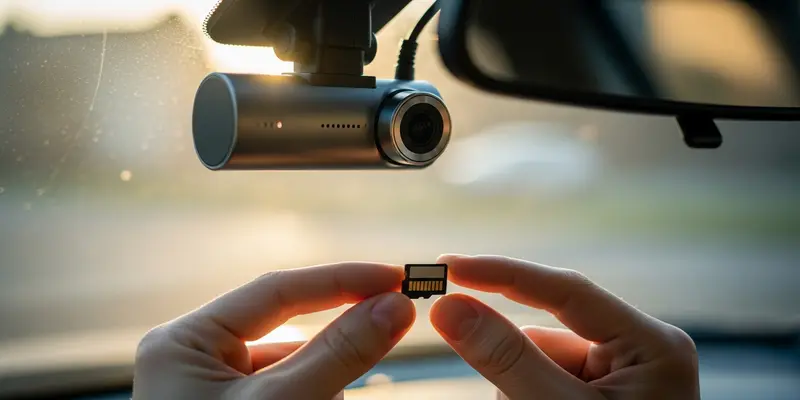
You are driving home. A delivery van swerves into your lane. Crunch. You’re safe, but your bumper is toast. You confidently pull the SD card from your dashcam, ready to hand over the evidence to your insurance agent. But when you plug it in, your screen shows a haunting message: "File Corrupted." This isn’t bad luck. It is the predictable result of putting a consumer-grade SD card into a continuous recording device. For dashcams, standard cards aren’t just suboptimal—they are a liability.
The Loop Recording Death Spiral
Most people think an SD card is like a digital bucket. You fill it up, and it stays full. In a dashcam, the reality is more like a high-speed treadmill that never stops. Your camera is constantly writing, deleting, and overwriting data. This is called loop recording.
Standard SD cards—the ones you buy on sale for your digital camera—are designed for occasional use. They expect you to snap a few photos, maybe a video, and then stop. They are built using TLC (Triple-Level Cell) or QLC (Quad-Level Cell) flash memory. While cheap, these cells have a very limited number of "write cycles" before they physically wear out.
Why ‘Max Endurance’ is Non-Negotiable
If you want your camera to actually work when you need it, you must use a card labeled "High Endurance" or "Max Endurance." Here is why these cards are different:
- Higher TBW (Terabytes Written): These cards are rated to handle hundreds of times more data over their lifespan than a standard card.
- Heat Resistance: Dashcams live on your windshield, baking in the sun. Standard cards warp and fail under high temperatures. Endurance cards are built to survive the greenhouse effect of your car.
- Error Correction: They use specialized controllers that prioritize data integrity during constant power cycles.
Don’t let the marketing fool you. "Class 10" or "V30" only refers to speed. In a dashcam, speed is secondary. Endurance is everything.
The Day I Lost Everything
I learned this lesson the hard way during a sweltering July in Texas. I was using a standard "Ultra" card I’d found in a desk drawer. I figured, "It’s 128GB, that’s plenty of space." I was wrong.
On a four-hour road trip, the dashcam was chirping a faint warning beep that I ignored because the radio was too loud. When a distracted driver clipped my side mirror and sped off, I went to check the footage. The card had literally cooked itself. The constant writing in 100-degree weather had fried the controller. The card was a plastic brick, and the evidence was gone. I spent $200 on a new mirror because I tried to save $15 on a proper card.
Buy Once, Cry Once
It is time to stop treating your dashcam like a toy and start treating it like the insurance policy it is. If you are still using a generic SD card, you are effectively driving without a camera.
Go to a reputable brand—SanDisk, Samsung, or Transcend—and look specifically for their "Endurance" lines. They cost more, yes. But compared to the cost of an insurance deductible or a legal battle, they are the cheapest peace of mind you can buy. Swap your card today before your luck runs out.
FAQs
Can I use a regular 128GB SD card in my dashcam?
You can, but it will likely fail within 3 to 6 months. Standard cards are not built for the constant write-cycles of loop recording.
What does ‘High Endurance’ actually mean?
It means the flash memory is designed for a much higher Terabytes Written (TBW) rating, allowing it to be overwritten thousands of times without failing.
How often should I format my dashcam SD card?
You should manually format your card inside the camera every 2-4 weeks to clear out any minor data fragments and ensure the file system stays healthy.
Why do dashcams get so hot?
Dashcams are compact computers processing high-resolution video 24/7, often sitting in direct sunlight. This heat is the primary killer of cheap SD cards.
Is a faster SD card (like V60 or V90) better for dashcams?
Not necessarily. Most dashcams don’t need extreme speeds; they need the ability to survive constant writing. A V30 High Endurance card is better than a V90 Standard card for this use case.
How do I know if my SD card is failing?
Common signs include the camera frequently rebooting, the "Format Card" prompt appearing repeatedly, or missing video segments when you check the playback.